Find the firewall rule an attacker would find first.
A firewall is only as strong as its configuration. ConfGoOne reviews FortiGate, Palo Alto, Check Point, Cisco ASA, SonicWall, pfSense and Juniper configs for over-permissive rules, exposed management, weak VPN settings and missing logging — and shows how they chain into a real attack path.
What ConfGoOne checks
A sample of the real checks in ConfGoOne's rule packs — each one reported with the evidence from your file and the fix.
Rules reviewed in context
Over-permissive rules, shadowed policies and exposed management are judged together — not as a flat list of warnings.
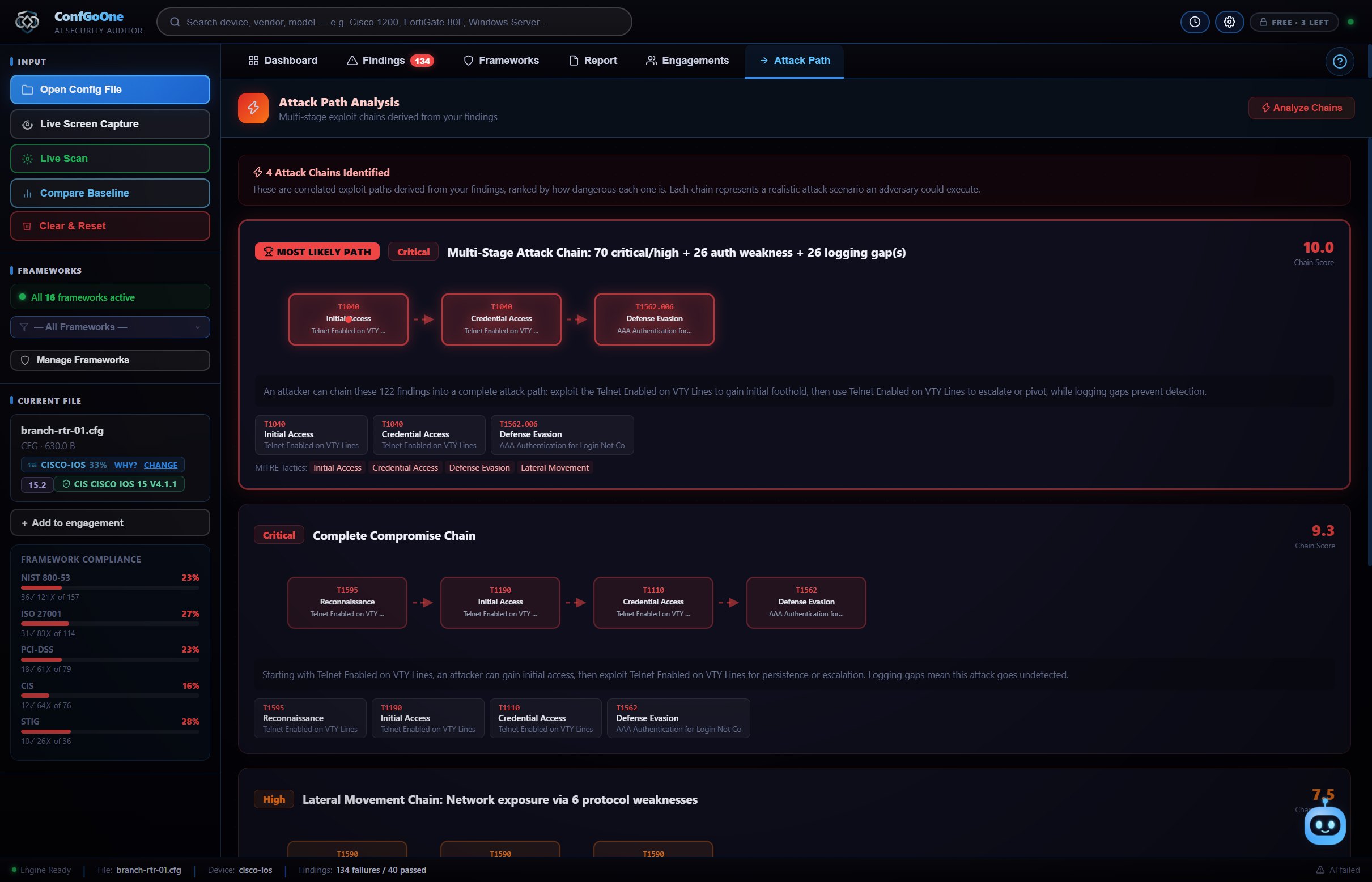
Attack paths, not just findings
See how an exposed admin interface plus a weak password policy becomes full control of the firewall, ranked by danger.
Report your auditor accepts
Export to HTML, PDF or Word with every finding mapped to PCI-DSS, ISO 27001, NIST and CIS.
How it works
No setup, no agent, no "start scan" button.
A configuration file, a live connection or a screen capture — whichever you can get.
The device type is recognised and every setting is checked the moment the file opens.
Work through the findings with their fix commands, then export HTML, PDF, Word or a STIG checklist.
Questions
How do I audit a firewall configuration?
Export the configuration from the firewall (for example a FortiGate backup, a PAN-OS running-config XML or an ASA show running-config) and open it in ConfGoOne. The vendor is detected automatically and the review starts at once.
Which firewalls are supported?
Fortinet FortiGate, Palo Alto Networks PAN-OS, Check Point, Cisco ASA, Cisco Firepower Threat Defense, SonicWall, pfSense and Juniper.
Does it help with PCI-DSS firewall requirements?
Yes. Findings are mapped to PCI-DSS v4.0 requirements, and you can audit against PCI-DSS only so the report covers just that standard.
Does ConfGoOne connect to my firewall?
It does not need to — a configuration file is enough. Live connection and screen capture are also available when you cannot export a file.
Related
Run your first audit in the next minute.
Three free audits. No credit card, no cloud upload — your configs never leave your PC.
Download ConfGoOne →